AUDIT CAPABILITIES
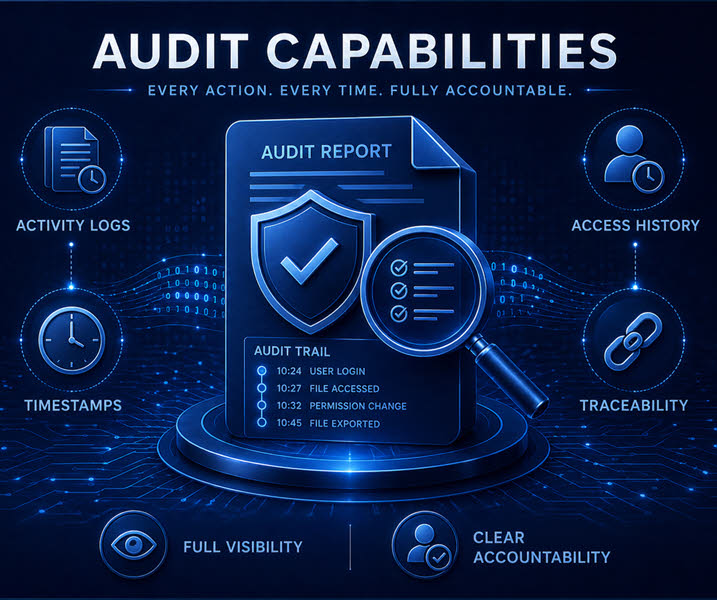
OBAKE provides audit visibility for each encrypted file, including all users authorized to access it. It also keeps a permanent record of who created the file and who accessed it last, strengthening traceability and governance.
DATA SANITIZATION
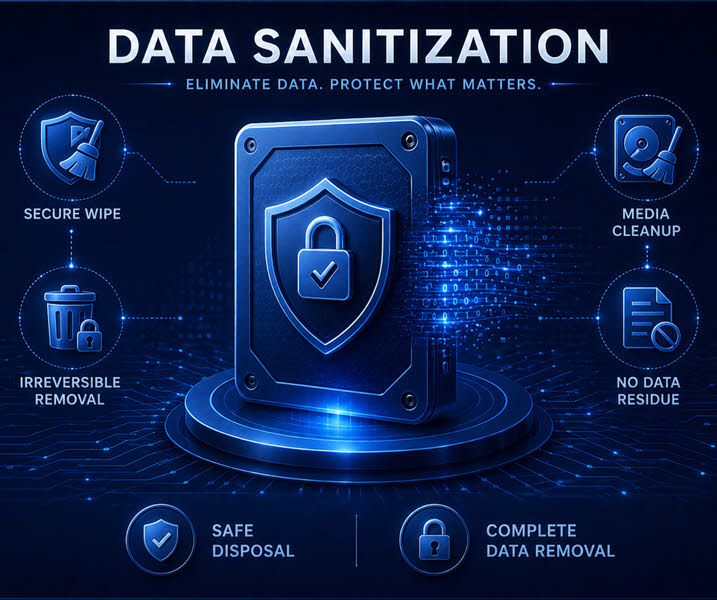
OBAKE supports secure data sanitization by overwriting the original information, making recovery practically impossible. This helps ensure that sensitive data is permanently eliminated and cannot be restored through conventional recovery methods.
PROTECTED BY DESIGN
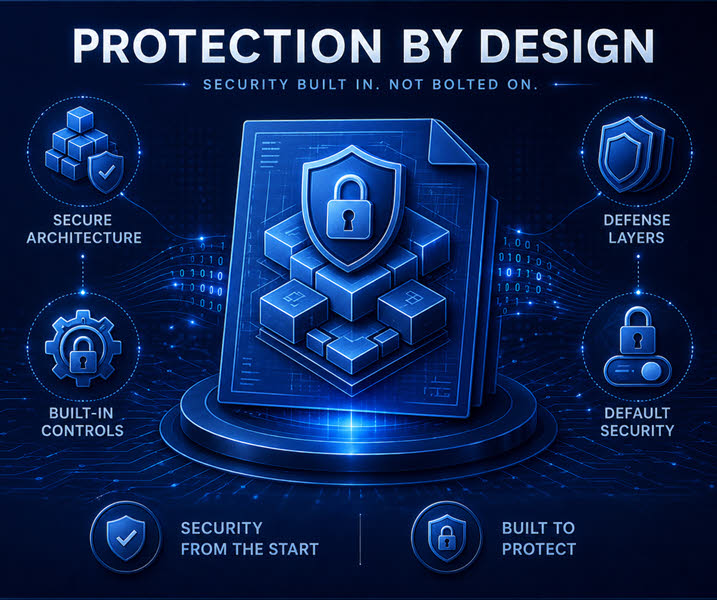
OBAKE was built with security by design, using multiple code protections to help prevent tampering, intrusion attempts, malware, and other threats. When suspicious activity is detected, OBAKE refuses to run and alerts the user.
INTUITIVE UI
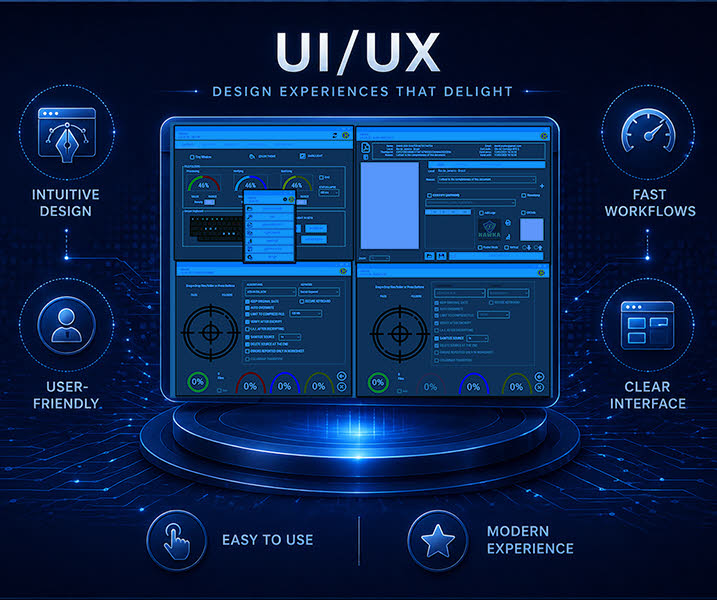
OBAKE offers a simple and intuitive UI designed to make every workflow clear and easy to follow. This creates a smooth user experience and significantly reduces the learning curve, helping users become productive quickly.
Business people collaborating

Far beyond standard file protection

  • The easiest and powerful encryption tool, full compliance with 56 laws and rules.
  • Encrypt by Drag-and-Drop, by Command-Button or directly from File/Windows Explorer.
  • Encrypt virtually any size/amount files and folders (and subfolders).
  • Ensure Authenticity, Integrity and Irretratability (non-repudiation) to each file.
  • Multithreading and parallelism for maximum performance.
  • Automatic encrypted-file verification to avoid problems related to hardware errors.
  • Smart detection of algorithm and key during decryption.
  • Automatic wiping and deletion of source-files after encryption.
  • Encrypt by using Digital Certificates or Secret-Key.
  • Free Class-I long-term Digital Certificate (Personal-version only).
  • Secret-Key permission segregated by license/computer.
  • Allows documents authorized by people, areas, groups and so forth.
  • Flexible-Sharing: select groups and add/subtract people specifically for a file.
  • Fast and flexible module to change authorizations/share on files.
  • Unlimited number of authorized persons or groups by file.
  • All authorization data is within each file: no clouds, logins, nor external tools are needed.
  • Allows synchronization with OneDrive, Dropbox, Google Drive and so forth.
  • "Fast-and-Safe Edition": directly open, edit, save and close encrypted files.
  • Smart-Handling of network files opened by different users.
  • "Always-Safe": automatic wipe and re-encryption after file closing.
  • IAI-Header for auditing: it is not necessary to decrypt a file to inspect its audit fields.
  • Intelligent file compression, fully customized by size.
  • Exclusive COPY/PASTE module for quickly encrypt text messages (see here).
  • Flexible change of file "Modified Date" for keeping its original or the current datetime.
  • SETUP options with "on-demand" changes (does not affect the configuration).
  • SECURE-KEYBOARD for entering secret-keys, resistant to any software logger.
  • Flexible FILES/FOLDERS UI, with user-option CHART and GRID of all processed files.
  • CHART and GRID allowing reports in PDF or XLS format.
  • SETUP options locked by IT Team or by Code.
  • "Setup Restricted Area" with maximum capillarity and password for access.
  • "Setup Restricted Area" controlled by an exclusive software with 2FA to avoid password leaks.
  • Log reports by mail for all accesses into "Setup Restricted Area".
  • Compulsory sharing to authorize people, managers or areas on all files created.
  • Compulsory sharing by License (max capillarity) or by Code.
  • Modules for integration with Microsoft 365©, allowing secure files from the beginning.
  • Priority Support and SLA plans.
  • Can have Code Customizations.
  • Can have Algorithms customizations.
  • Exclusive download area.
  • Open encrypted MS-OFFICE files from within their applications.
Business people collaborating

Far beyond basic access logs

  • Exclusive module for auditing authoring and authorization data (I.A.I.).
  • Files do not need to be decrypted to be audited.
  • Authorized users can see all other people able to open the file.
  • Creator, Authorized People, Creation Date, Modification Dates, and more.
  • Module can inspect as many files as needed.
  • Module can generate PDF or XLS reports for auditing.
  • If required, custom LOG may be written in databases or external API's.
Business people collaborating

Far beyond simple file deletion

  • Compliance with the 14 most important standards, used in information agencies worldwide.
  • Works with any quantity of files and folders (and subfolders) and any file size.
  • User-configurable wipe counts from 1x to 20x per file.
  • Each wipe operation is verified to avoid false positives.
  • Optional file deletion to give the opportunity to verify the file destruction (audit evidence).
  • File deletion can be locked by IT Team.
  • Smart wiping of files on SSD to avoid unnecessary writes which can damage the hardware.
  • So fast and reliable that we recommend to turn off antivirus software to avoid false positives.
  • Function can be enabled/disabled per license/computer.
Business people collaborating

Far beyond reactive security

  • The code is protected with advanced techniques against disassembly, hooks, and monitoring.
  • The software and algorithms are designed to withstand extensive cryptanalysis and side-channel attack scenarios.
  • Advanced protections help prevent intrusion attempts targeting OBAKE and its third-party libraries.
  • Our code uses strong obfuscation, code diversification, and virtualized-code techniques.
  • Automatic Live Update enables faster fixes and upgrades.
  • Live Update is protected against cross-site attacks and other redirection/deviation attempts.
  • Secure Keyboard uses advanced protection techniques.
  • Secure Keyboard is designed to resist software monitoring, keyloggers, and hooking techniques.
  • Allows Audit and Compliance teams to inspect file metadata without decrypting the file through its I.A.I. module.
  • OBAKE detects advanced debugging techniques and prevents execution when suspicious activity is identified.
  • Unauthorized use can be prevented through password protection and 2FA with Google Authenticator.
  • An OBAKE license can be blocked in cases of employee dismissal, device loss, or theft.
  • Your company can recover protected information in cases of death, absence, transition, etc.
Business people collaborating

Far beyond eye candy

  • Simple and easy SETUP segmented by SECURITY, USABILITY, LAYOUT, and CERTIFICATES.
  • Colorful themes visually selected.
  • Set "Light" and "Dark" modes.
  • Set "Normal" and "Tiny" interfaces for the main window.
  • SECURE-KEYBOARD colors can be set for letters, vowels, numbers, and themes (Dark/Light).
  • User-defined Gauge colors and thickness.
  • You can toggle CHART and GRID options in the FILES/FOLDERS module.
  • OBAKE functions can be protected by Password and 2nd-factor Authentication.
  • You can set default settings, which can be easily changed on-demand without changing the default.
  • Similarly, you can set a "default" key scheme (Certificate or Secret-Key).
  • Change timeout for opening encrypted files.
  • Change RAM buffer to optimize file operations or preserve free memory.
  • Toggle "Keep Original Date" for files.
  • Toggle "Auto-Overwrite" for files.
  • Toggle "File Compression".
  • Set the maximum file size for compression.
  • Toggle "Verify after Encrypt" for maximum performance or security.
  • Toggle "IAI after Decrypting" for automated auditing on decrypted files.
  • Toggle "Sanitize Files" for maximum security or performance.
  • Set the number of wiping operations for maximum performance or security.
  • Toggle "Delete Source at the End" of encryption/decryption processes.
  • Toggle "Context-Help", "Key in Red", "Cursor at Field", and other usability features.
  • Allow custom TIMESTAMP servers for use with the PDF module.
  • Add all your certificates in an easy and straightforward way.
  • Set a "default" certificate for encryption operations and change it anytime.
  • "Setup Restricted Area" for maximum capillarity on some default options.
  • "Setup Restricted Area" is protected by password and Google Authenticator.
  • Add "Compulsory Sharing Certificates" based on Windows Store or files.
  • The above restricted functions are logged in e-mail messages without a recipient limit.
  • You can use your own mail server to send the log messages.